SPY, ES, QQQ, NQ, NVDA, TSLA, BTC and more
Daily Support and Resistance Levels for Day Traders
Resistance, pivot and support for the next session, on your phone, watch and desktop. Pro gets the levels, touches and volume 1 hour after the close, and Observer gets the levels 5 minutes before the open.

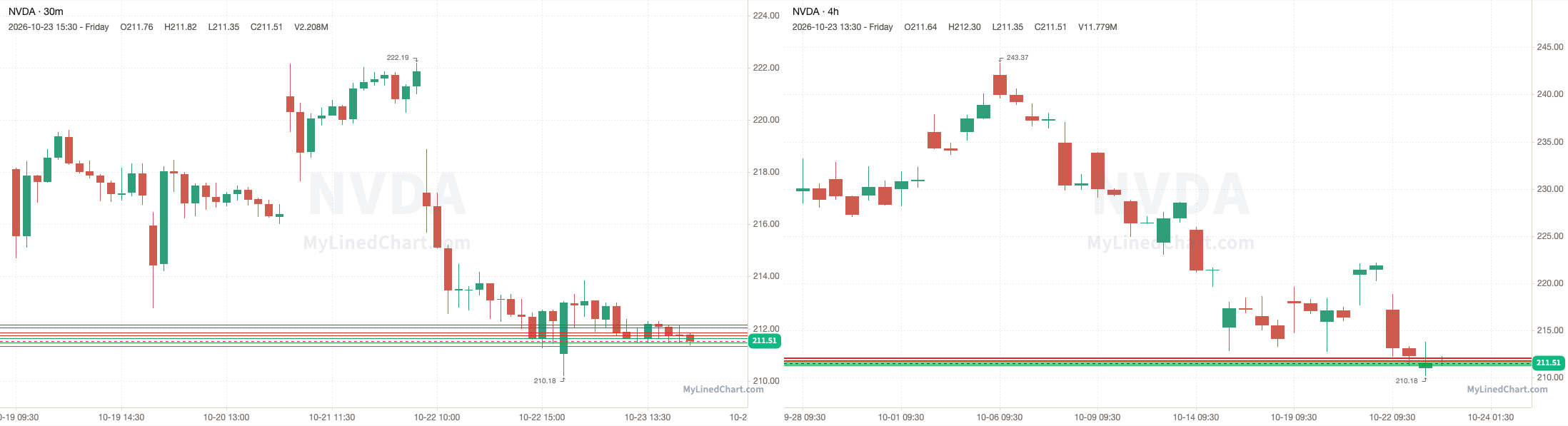
Try it
Pick a market and watch the levels
Your markets
NVDA, TSLA, BTC, GLD, CL and more
Observer levels
Next session's Observer levels in 0:00:00, or now with Pro
The next session's levels are out now. Pro gets the session after that about 1 hour after the close.
Get ProGet the app
Little Bird Trading on your devices
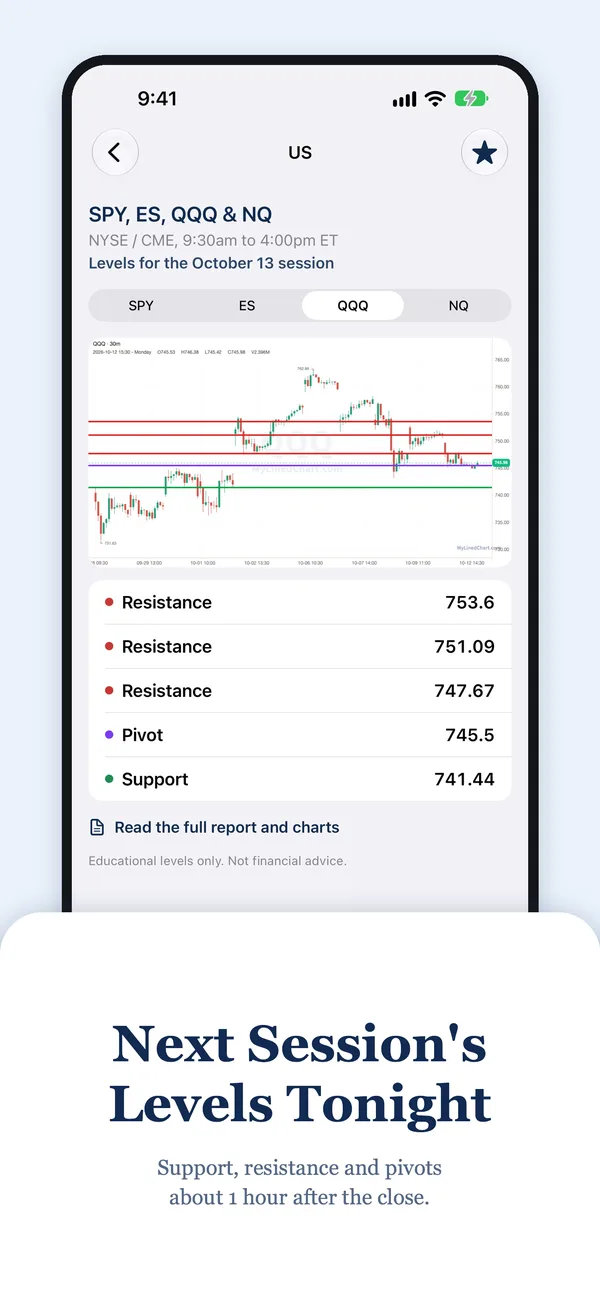
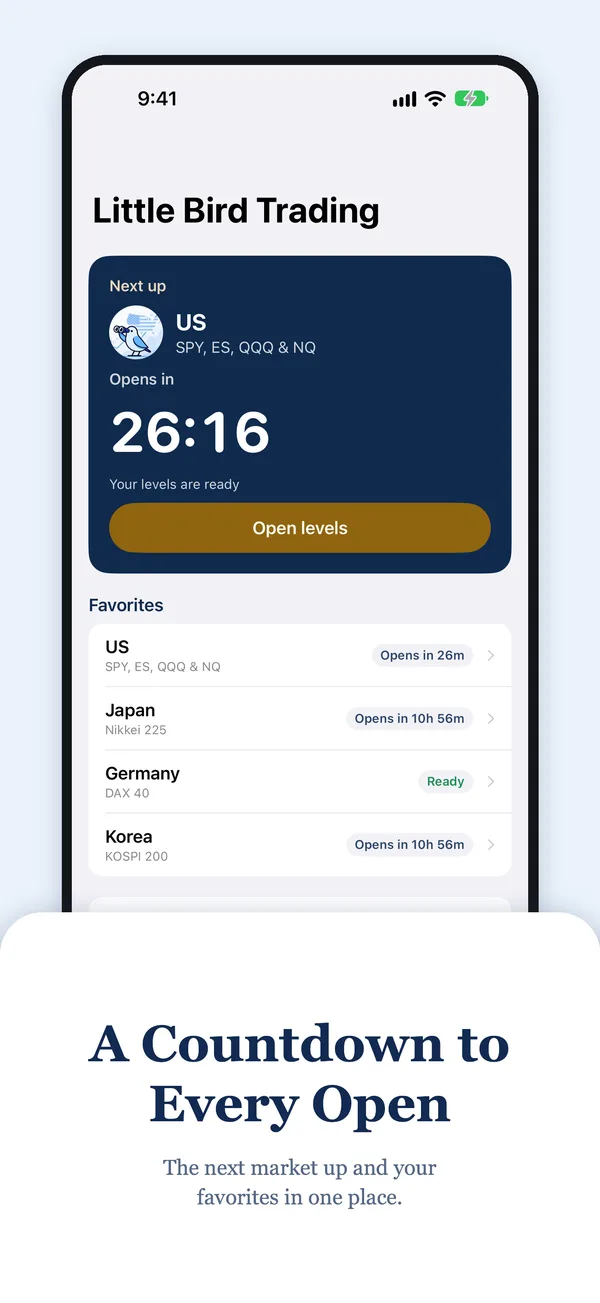
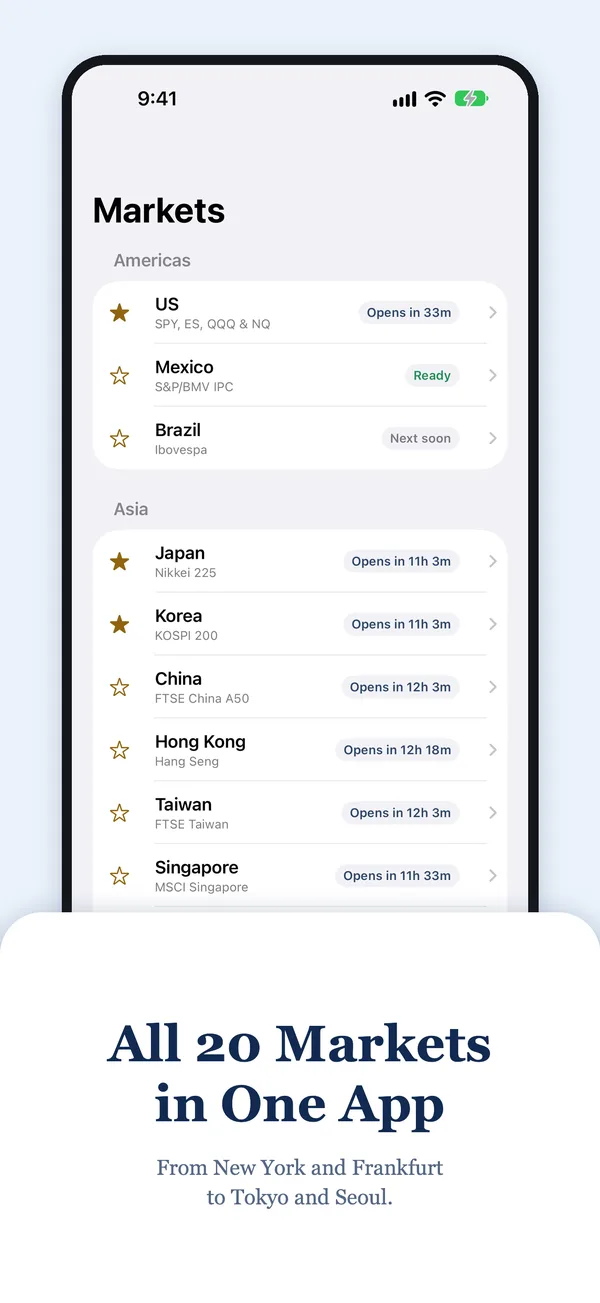
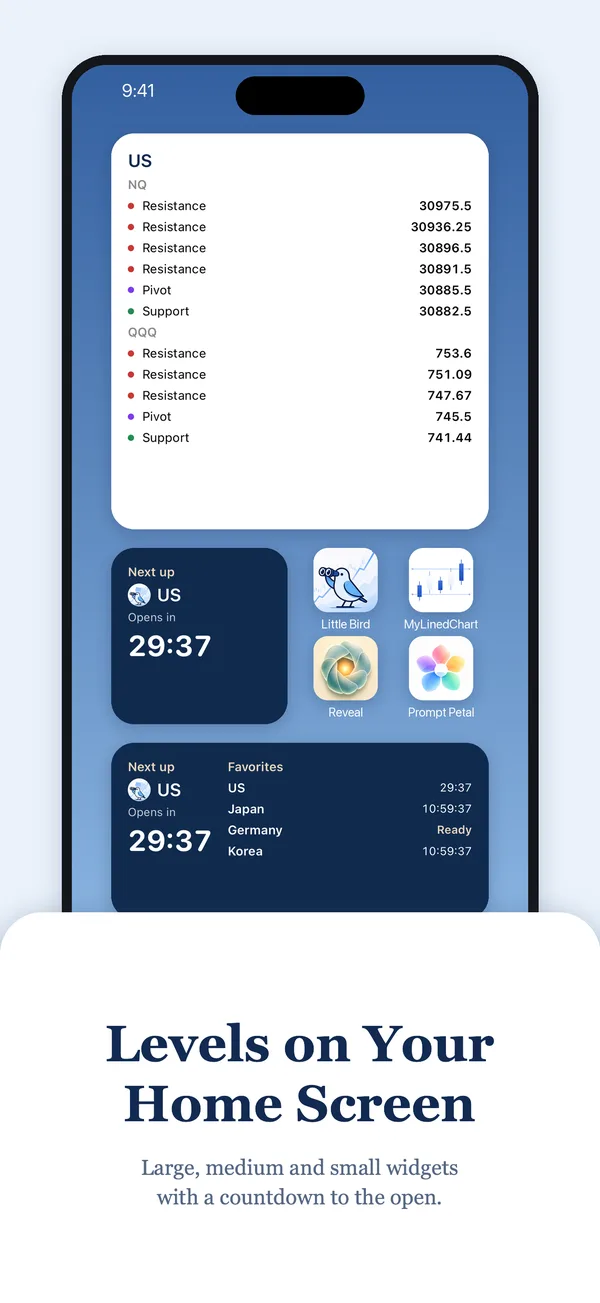
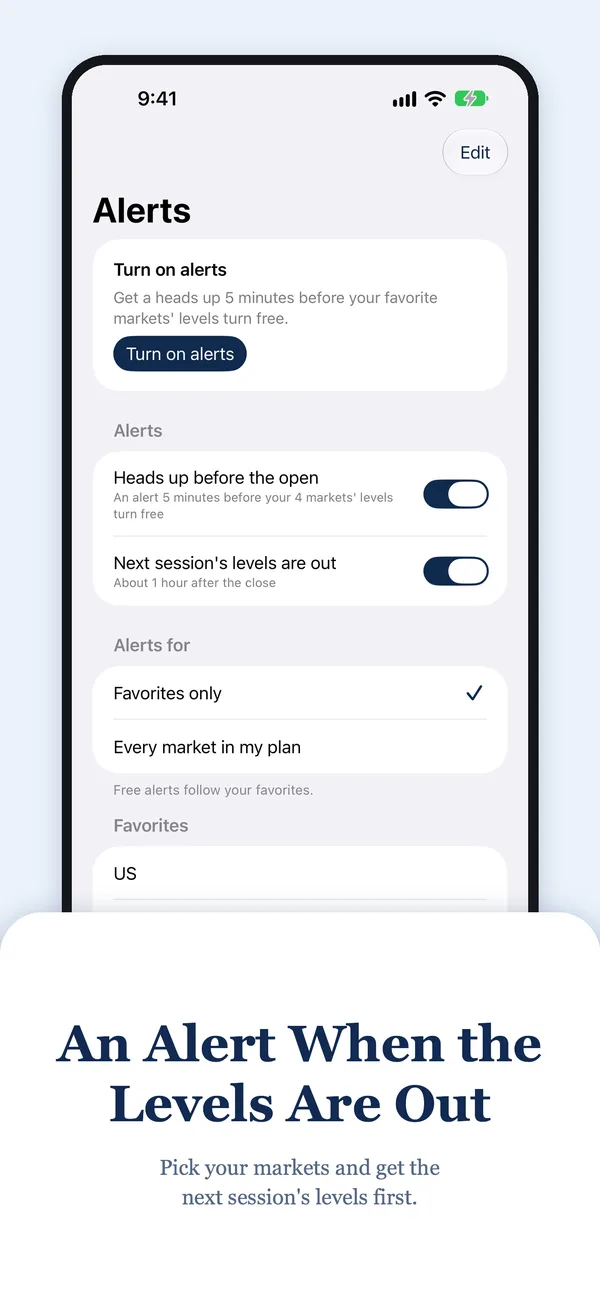
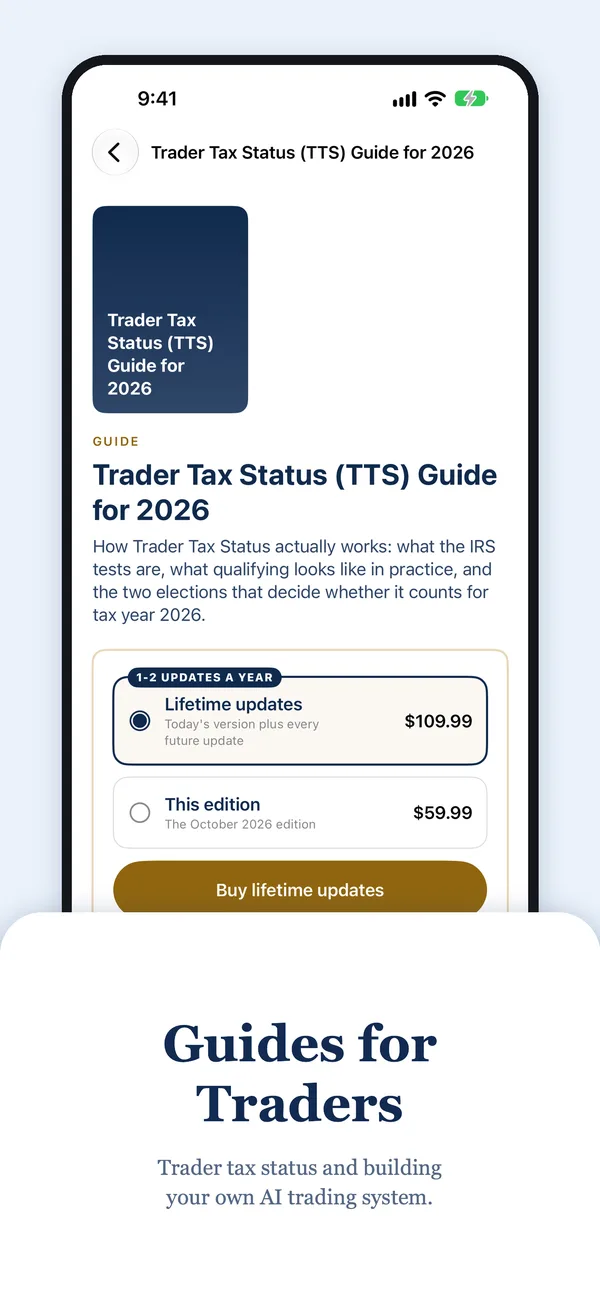
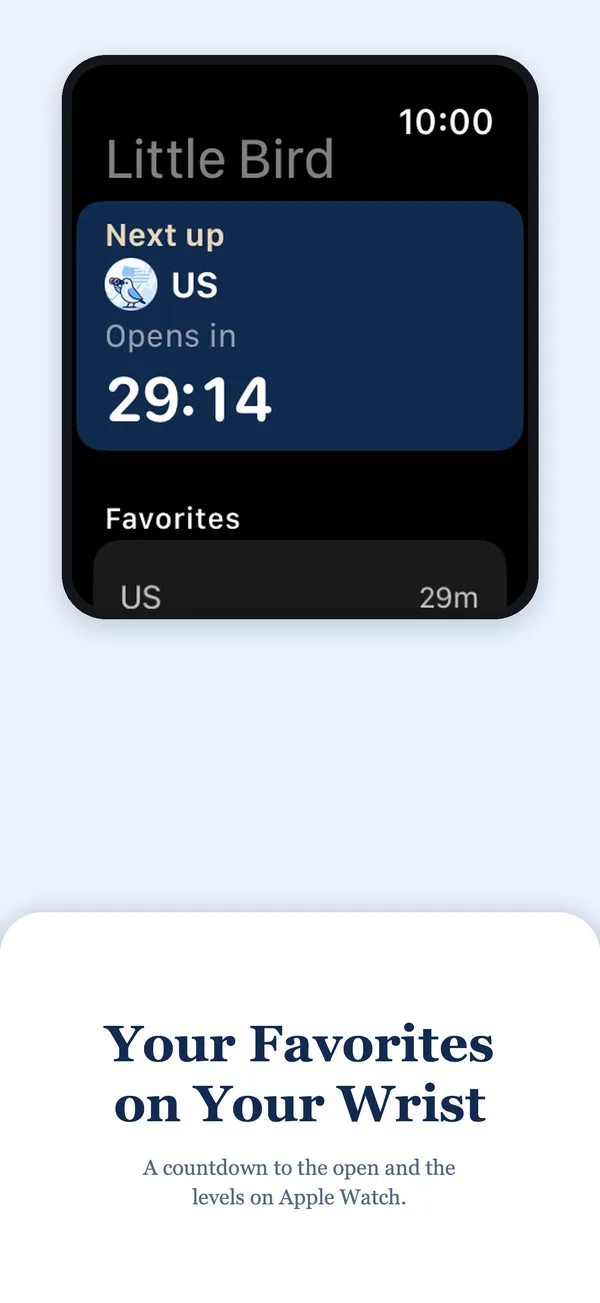
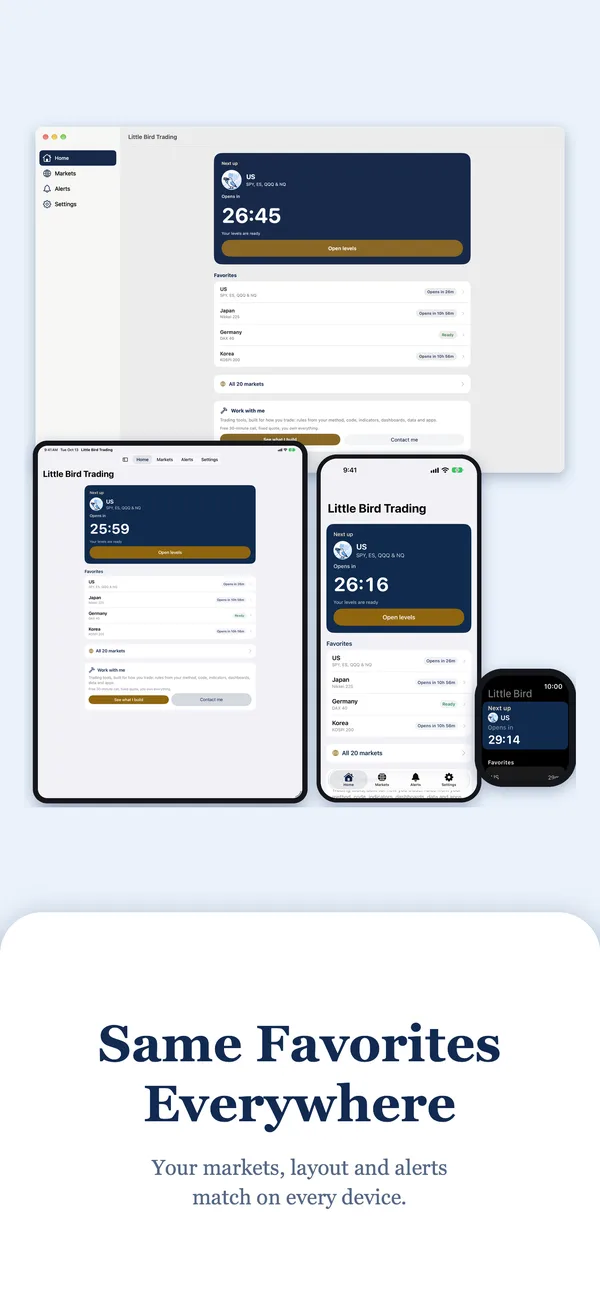
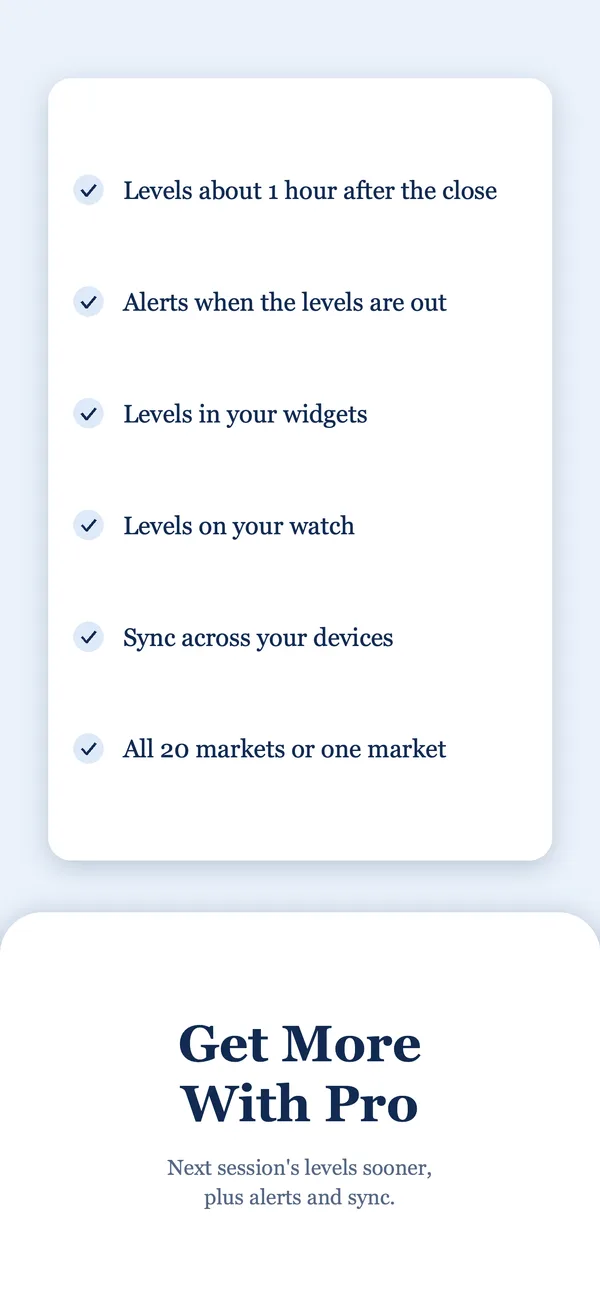
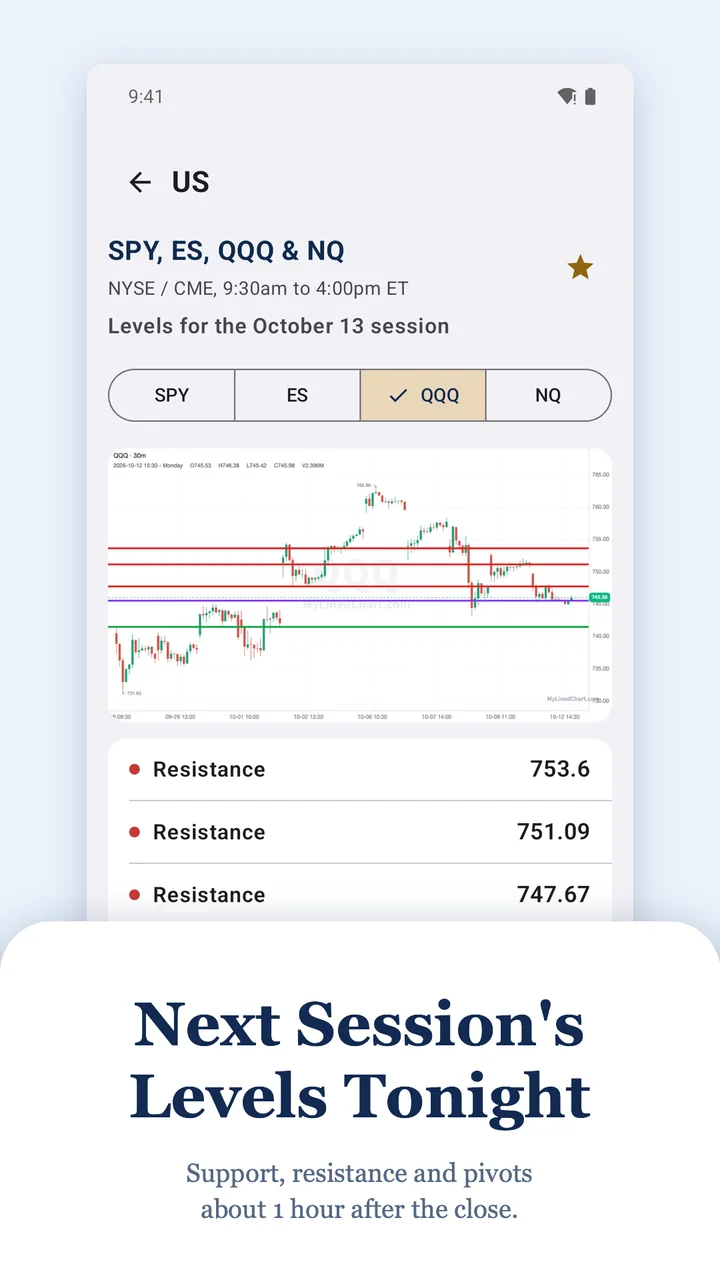
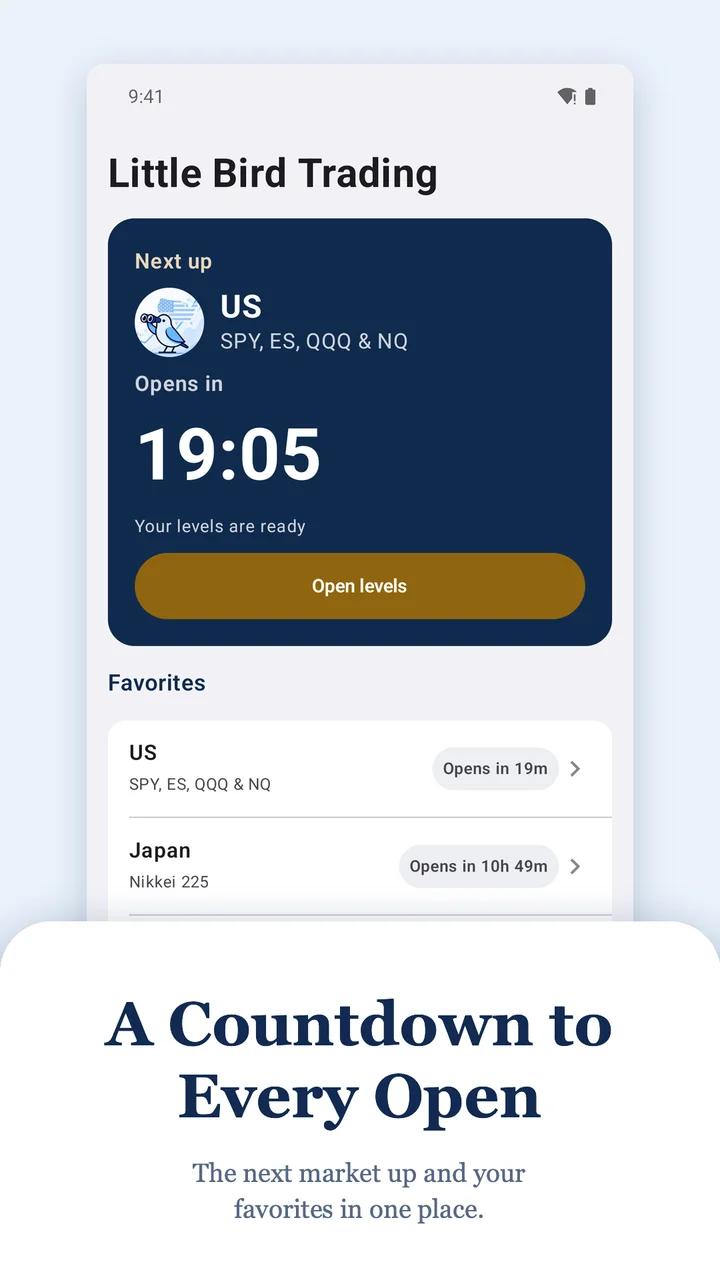
Android phone, tablet, Chromebook and Wear OS
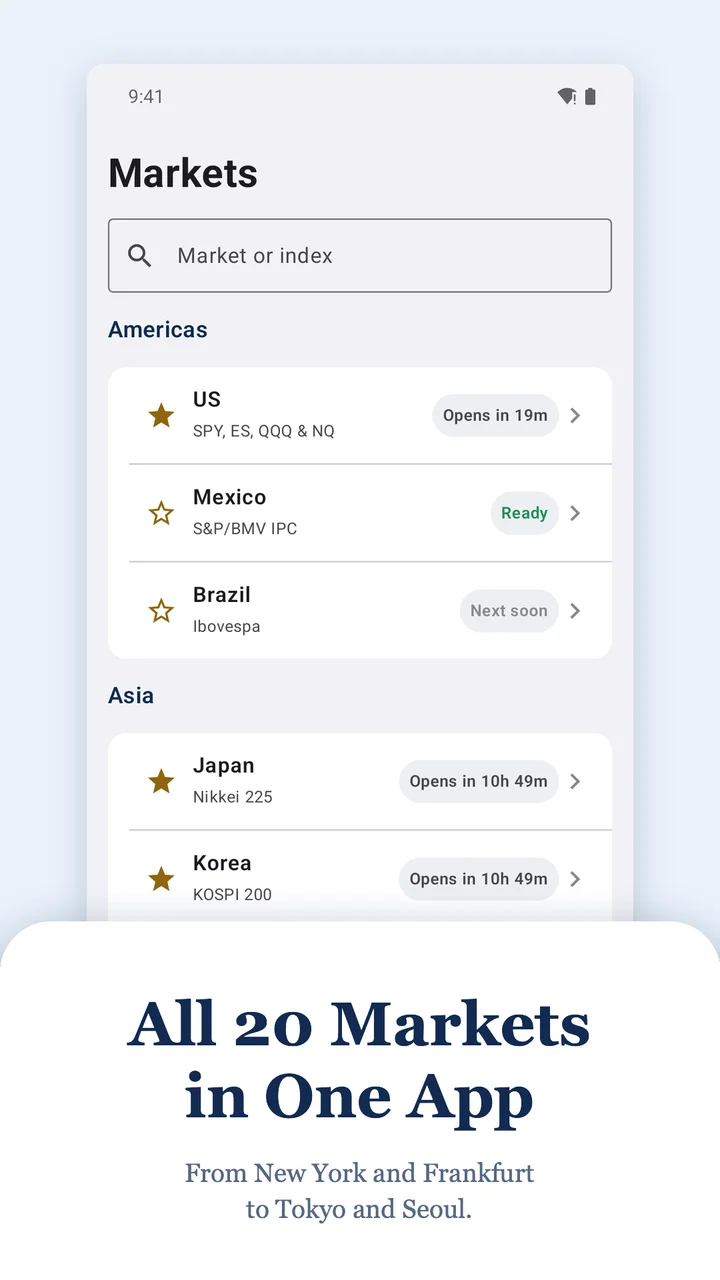
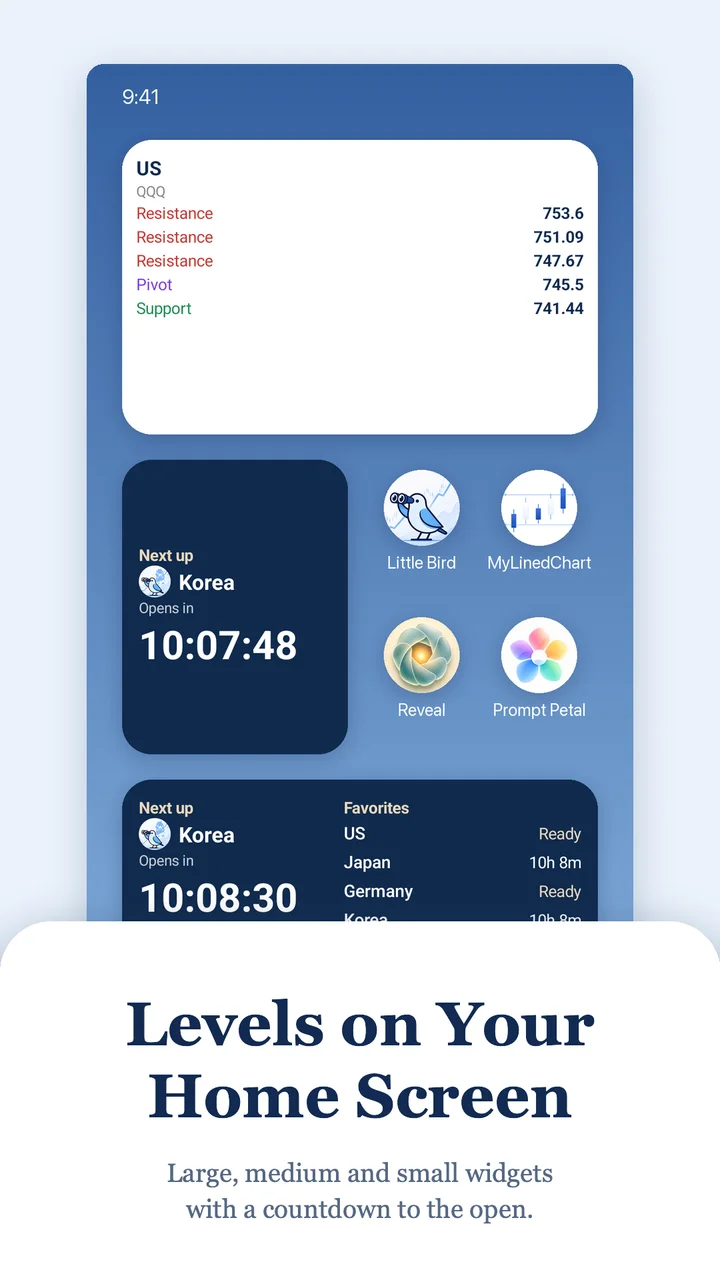
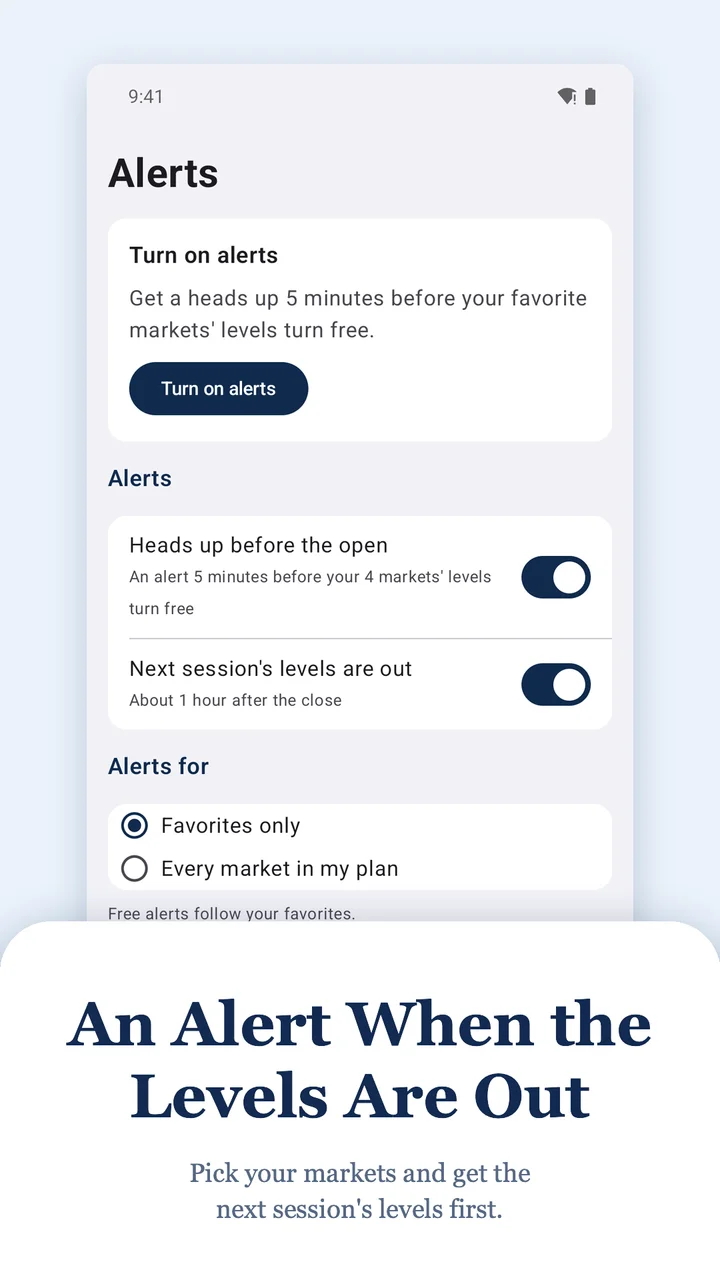
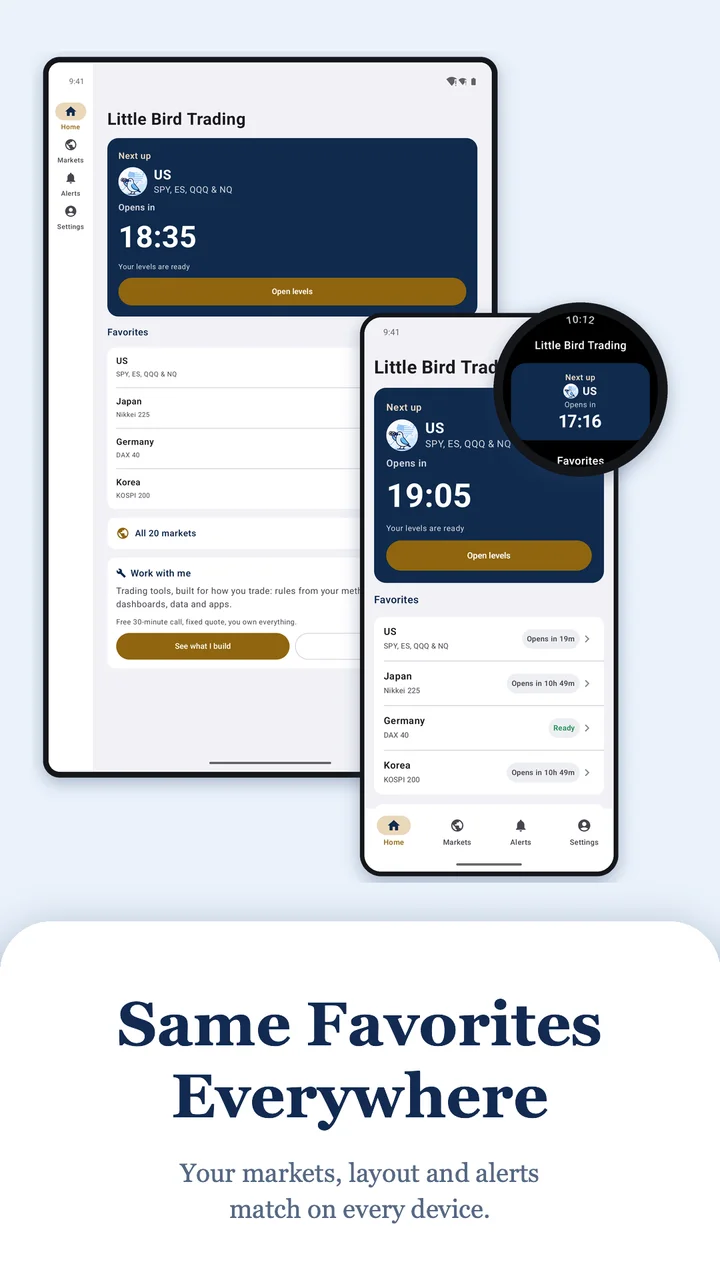
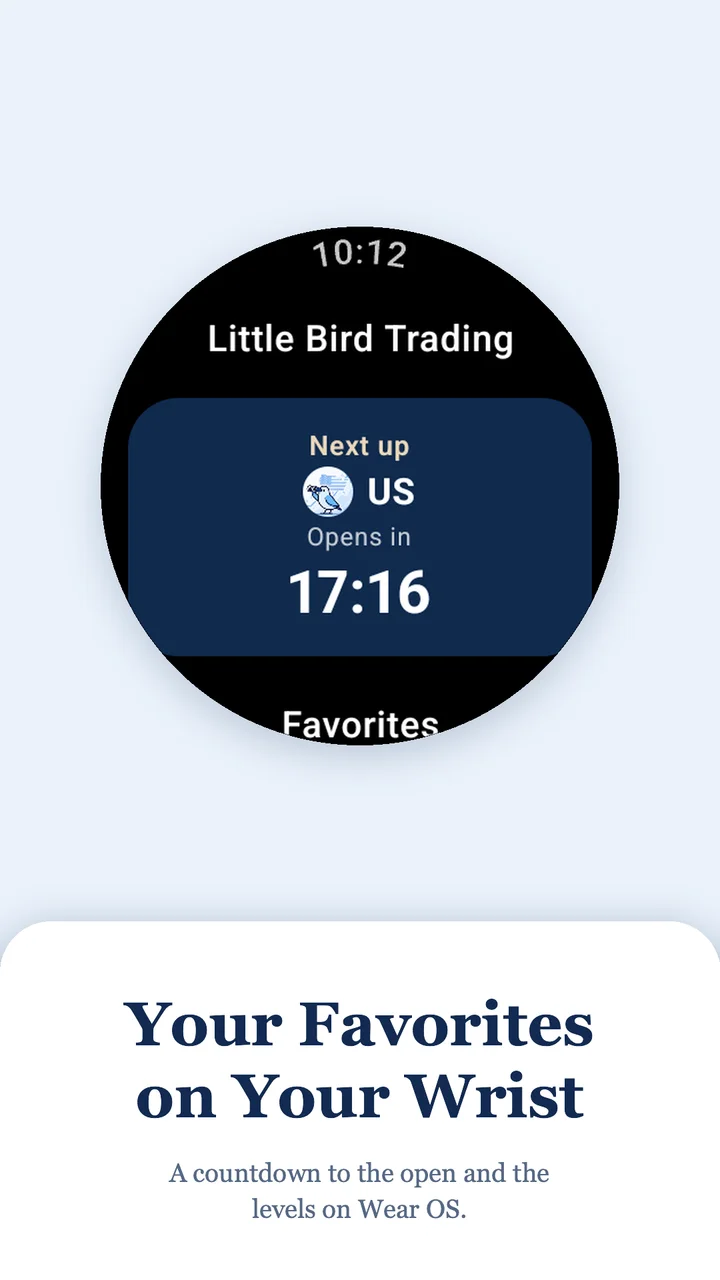
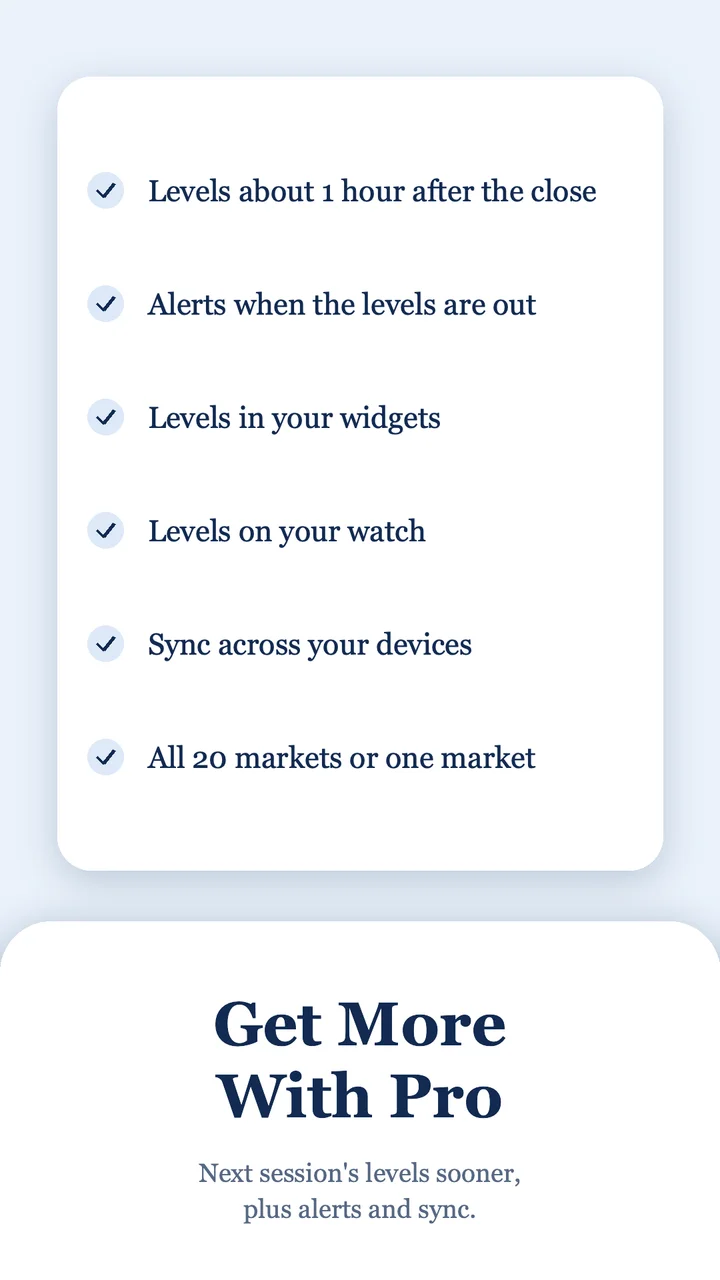
Version 1.0.0. The app checks for updates and installs them for you.
On Mac, Windows and Linux, Little Bird Trading sits in the menu bar or system tray with your favorites, the time to the next levels and an alerts switch. The same menu has Launch at login, a language list of 15 languages, Request a Feature, and your plan: Upgrade to Pro on Observer, or the days left on Pro. Pro also picks the menu bar icon, the app icon or a black one. On Android, say "Hey Google, open US levels in Little Bird Trading".
Every report has an Export all to Pine Script button that draws the levels on TradingView.
Guides
Two guides for active traders

Why I built it
Why I Created Little Bird Trading
Hi- I'm Lee. I've spent 10+ years building systematic trading systems across global exchanges and every major asset class. Every trading day, after the close, I map the next session's resistance, pivot and support, then check how price reacted at the levels from the session before.
Little Bird Trading publishes that work for SPY, ES, QQQ and NQ, plus NVDA, TSLA, BTC, GLD, CL and more. Everyone gets the levels and chart 5 minutes before the open. Pro gets the levels about 1 hour after the close, with touches and volume at every level.
You can try a market above, read the library, or pick up one of the two guides. If you want a tool built around the way you trade, I do consulting too.
Questions or ideas? Message me and I'll get back to you within 24 hours.
Cheers -Lee
Latest
Latest reports
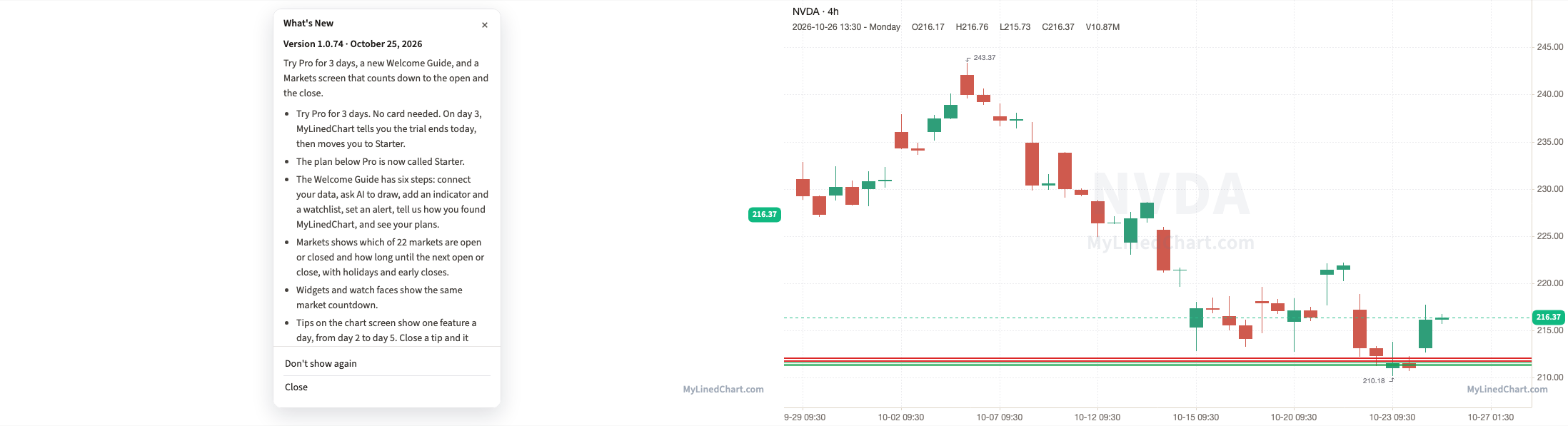 META, MSTR, COIN, SLV, CL and 19 More Support and Resistance, Pivots and Highest Volume Levels for Day Traders, Oct 27NVDA, TSLA, BTC, GLD, CL and more · Oct 27
 SPY, ES, QQQ and NQ Support and Resistance, Pivots and Highest Volume Levels for Day Traders, Oct 27SPY, ES, QQQ & NQ · Oct 26
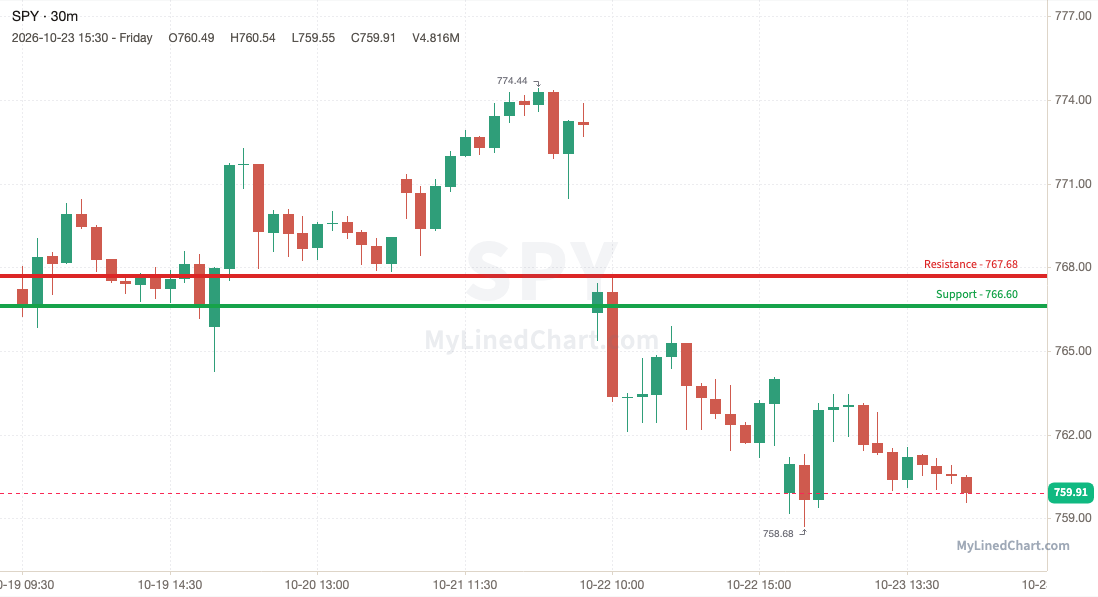 SPY, ES Day Trade Levels: Oct 19-23 Week in Review and Chart PackOct 25
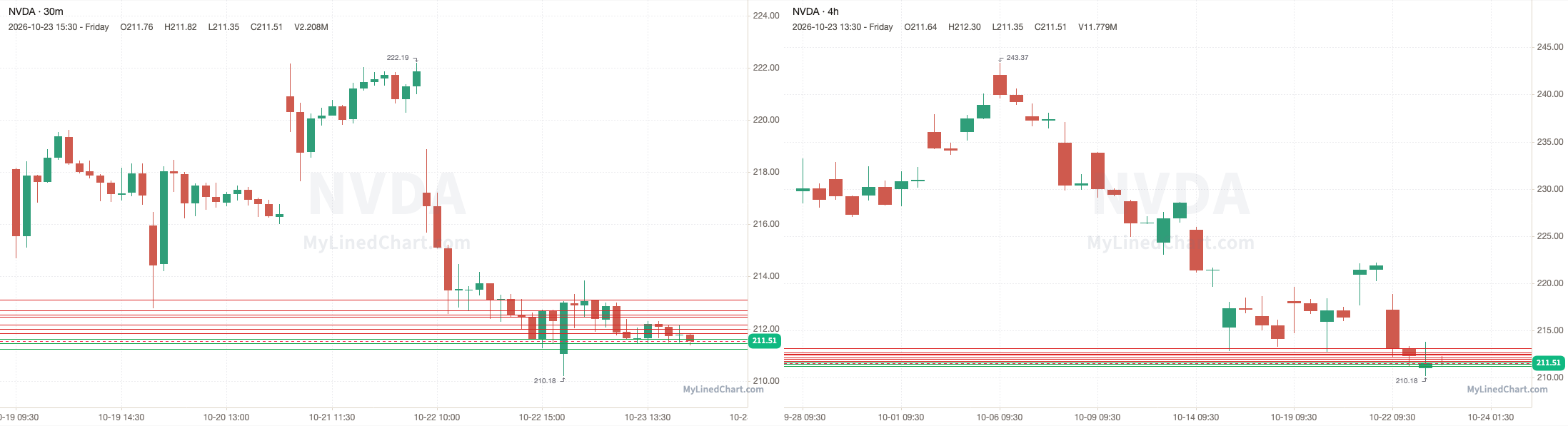 AMZN, META, MSTR, SLV, CL and 19 More Support and Resistance, Pivots and Highest Volume Levels for Day Traders, Oct 26NVDA, TSLA, BTC, GLD, CL and more · Oct 24SPY, ES, QQQ and NQ Support and Resistance, Pivots and Highest Volume Levels for Day Traders, Oct 26SPY, ES, QQQ & NQ · Oct 23
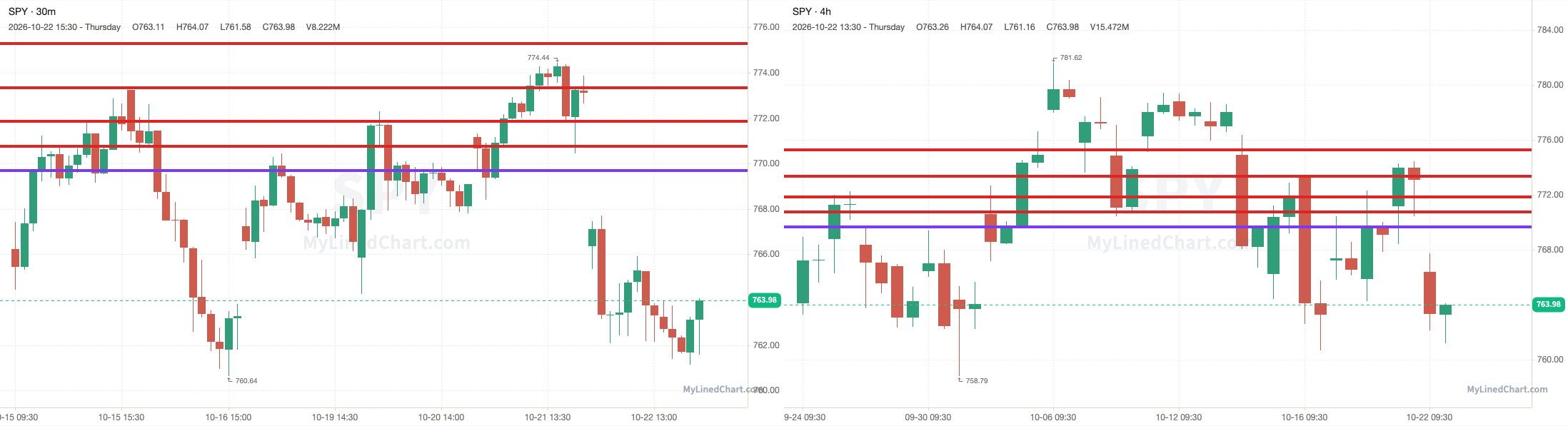 SPY, ES, QQQ and NQ Support and Resistance, Pivots and Highest Volume Levels for Day Traders, Oct 23SPY, ES, QQQ & NQ · Oct 22
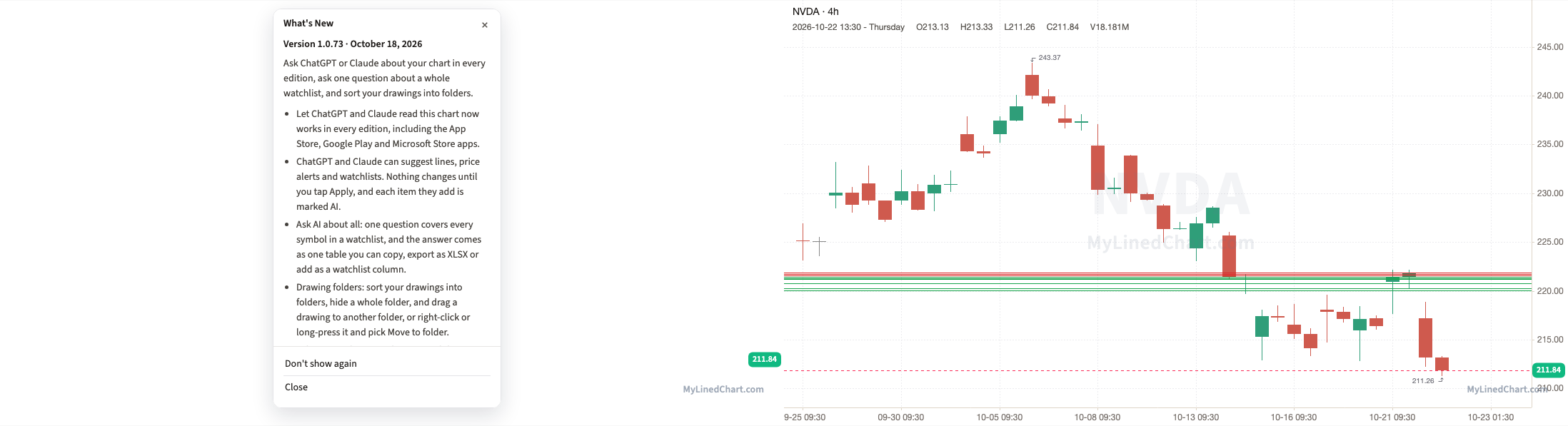 AAPL, PLTR, AMD, INTC, RIVN and 19 More Support and Resistance, Pivots and Highest Volume Levels for Day Traders, Oct 23NVDA, TSLA, BTC, GLD, CL and more · Oct 22SPY, ES, QQQ and NQ Support and Resistance, Pivots and Highest Volume Levels for Day Traders, Oct 22SPY, ES, QQQ & NQ · Oct 21
Work with me
Trading tools, built for how you trade
Custom indicators, alerts, dashboards, backtests and automations, built around your own rules. The first call is an intro at no cost.
How it works
One plan per market, every trading day
4:00 PM: market closes
I map the next session's levels.
About 5:00 PM: Pro
Pro gets the levels, plus touches and volume.
9:25 AM: Observer
Everyone gets the levels and chart, 5 minutes before the 9:30 open.
Drawn to scale for the US market.
Coverage
Two plans, every trading day
Index Levels covers SPY, ES, QQQ and NQ. Active Traders covers NVDA, TSLA, BTC, GLD, CL and more. All Access gets both.
Plans
Observer and Pro
Observer
- ✓Levels 5 minutes before each open
- ✓Levels chart
- ✓One email a day, your markets first
- ✓Countdown on your phone and watch
Observer levels
See the levels that are out right now for Observer
Every symbol, as plain numbers you can plot on any chart.
FAQ
Common questions
What exactly do I get each day?+
Resistance, pivot and support levels for the session ahead. Index Levels covers SPY, ES, QQQ and NQ. Active Traders covers NVDA, TSLA, BTC, GLD, CL and more. Each post also shows how the previous session played out around the levels published for it, with a chart per symbol.
When are the levels published?+
After the US close, for the next session. Pro gets them about 1 hour after the close and everyone gets them 5 minutes before the open. BTC and ETH use normal US market hours.
Which symbols are covered?+
Index Levels: SPY and ES for the S&P 500, QQQ and NQ for the Nasdaq 100. Active Traders: NVDA, TSLA, BTC, ETH, GLD, SLV, CL, GC, AMD, MSTR, AAPL, PLTR, COIN, AMZN, META, MSFT, SMCI, HOOD, MARA, GME, IBIT, ETHA, INTC and RIVN. I review this list often and may add or remove symbols based on liquidity and demand.
Do I need MyLinedChart to use the levels?+
No. Every level is a plain number you can plot on any charting platform. MyLinedChart draws them for you and exports the whole chart as XLSX, JSON or CSV, which matters if you keep records or want an AI agent to turn the levels into rules. It runs on Windows, Mac and Android.
Are these signals or trading advice?+
Neither. Trade Plans publishes objective market structure: the prices where the market has reacted before. There are no entry calls, no direction calls and no recommendations. You make and own your trades.
Library
Learning library
Guides on the day-trade levels, position sizing, futures, Pine Script and trader tax status.
The Day-Trade Levels System
What the daily levels are, the vocabulary they use, and how to use them each session.
Subscribe, Tiers & Delivery
Observer vs Pro, how delivery works, and what to do before the session opens.
TradingView, Indicators & Pine Script
Load levels onto your charts and tell an indicator apart from a strategy before you trust either.
Risk Management & Position Sizing
How much to risk, where to place stops, and the account rules that keep you in the game.
Trading Setups & Strategy
Specific setups, support/resistance, mean reversion, trend, breakouts, and entry-timing logic.
Futures Trading
Small-account micros, contract sizing, session planning, and the daily futures levels.
Process & Trading Rules
Reviewing your process, the paper-to-live transition, and running your trading rules.
Trader Tax
Trader Tax Status, the Section 475 mark-to-market election, and who qualifies.